

- Overview
- Specifications
- Working Principle
- FAQ
- Recommended Products
Parameters
• Adds what the title cannot carry: brand, model number, print format, material range and use case.
• Two measurable selling points: 42 x 60 cm print area and 0-150 mm material thickness.
• Action wording: See specs and get a quote.
• Length held at 155 characters, so the full line survives in Google search results.
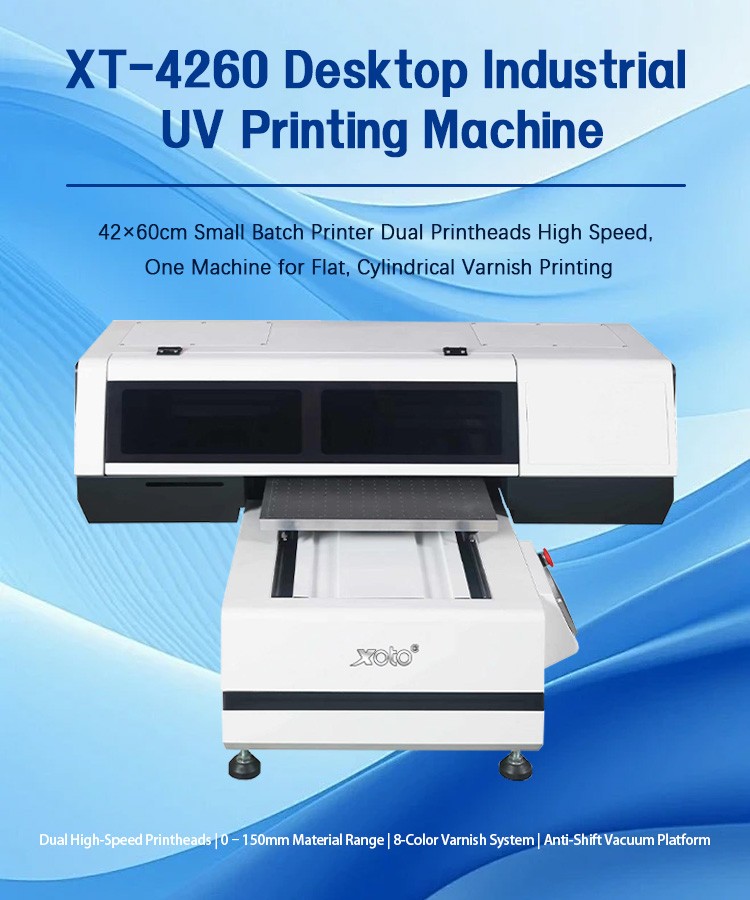
The Best Desktop UV Printer Starts With One Question: What Can It Actually Print?
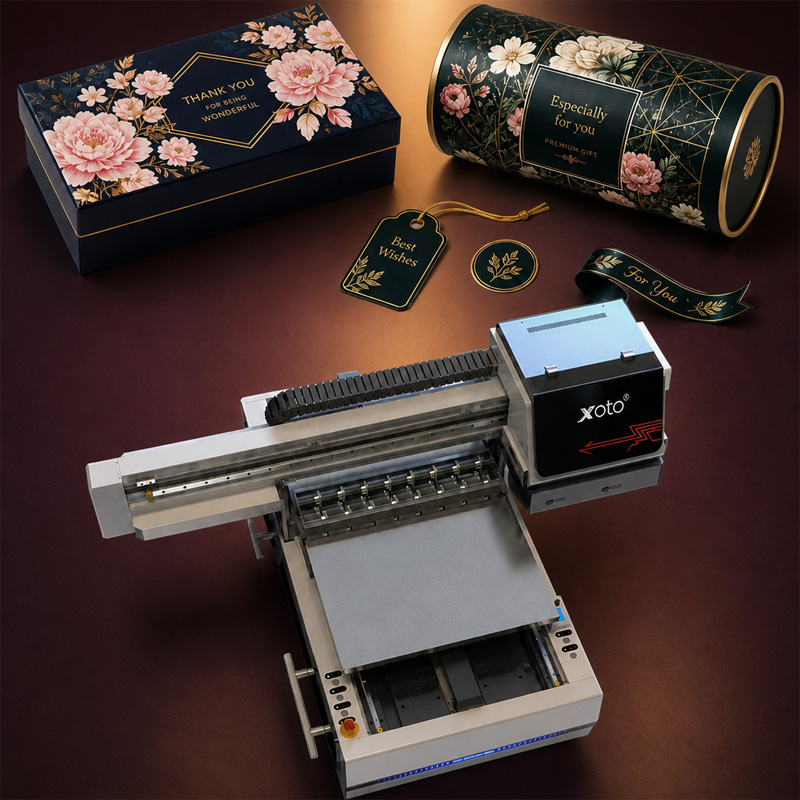
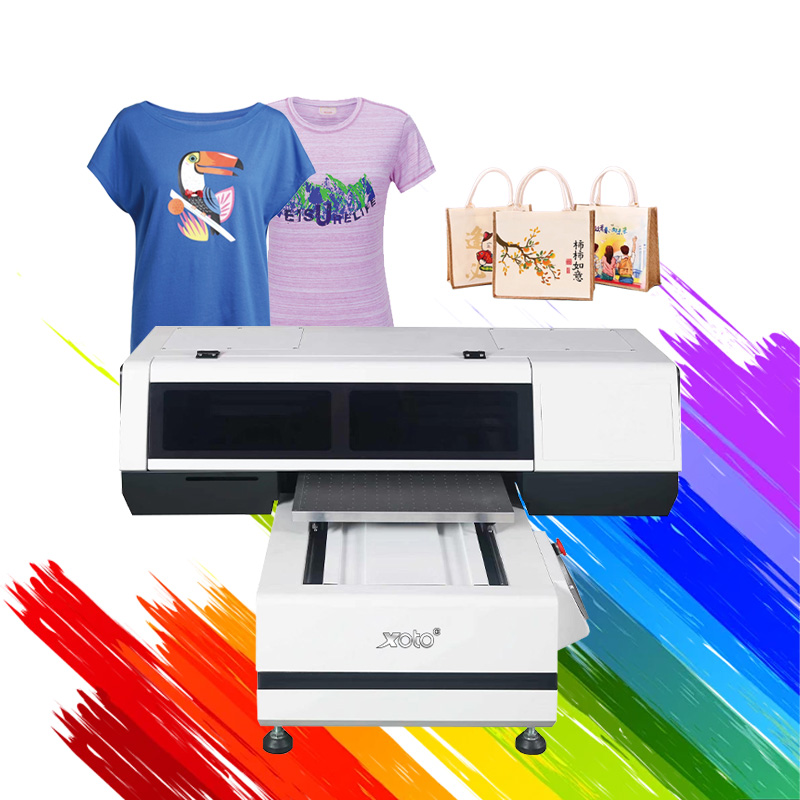
Most people who search for the best desktop UV printer are chasing the same outcome: short runs of personalised, high-margin products, produced in-house, on a machine that does not need a factory floor. The XOTO XT-4260 is built around exactly that brief. It puts a 42 x 60 cm industrial print bed, dual high-speed printheads, a 0-150 mm material range, an 8-colour varnish system and an anti-shift vacuum platform into one desktop frame, and it handles flat sheets, cylindrical items and varnished finishes without a second machine.
That combination is what separates a genuinely useful desktop UV printer from a hobby unit. A 42 x 60 cm bed gives you 2,520 cm2 of printable area per pass, enough for a full sheet of phone cases, keychains or acrylic blanks, while the dual-head setup and 150 mm clearance let you move from flat giftware to thick blanks and round products in the same working day.
Six Reasons the XOTO XT-4260 Earns the Best Desktop UV Printer Label
Buyers compare desktop UV printers on five things: format, head count, height clearance, finish capability and hold accuracy. Here is how the XT-4260 answers each one.
1. A 42 x 60 cm bed - the format that makes short runs profitable
Compact does not have to mean small. At 420 x 600 mm the XT-4260 is a small batch printer in footprint but an A2-class printer in output, so you can nest many small blanks in a single pass instead of reloading a mini bed eight or ten times. Fewer reloads means fewer registration errors, less labour per order and a lower cost per piece - the core economics behind any best desktop UV printer decision.
2. Dual high-speed printheads for shorter job cycles
One head means one pass per line; two means the same job finishes in a fraction of the head travel, which matters most in the 5 to 50 piece orders that make up most custom work. Dual printheads also give you redundancy in production planning: you are not queueing every order behind a single carriage.
3. A 0-150 mm material range that covers real blanks
A 0-150 mm range is generous for a desktop platform. It lets the same machine print on thin films and acrylic sheets, on thick PVC and wood blanks, on pre-assembled boxes and on mounted trophies, so a gift studio can accept the awkward job that a 20 mm or 50 mm desktop printer has to turn down.
4. Flat, cylindrical and varnish printing in one unit
Instead of buying a flatbed and then a rotary add-on, the XT-4260 is specified as one machine for flat, cylindrical and varnish work. Bottles, tumblers, cups and tubes go on the rotary setup; phone cases, awards, panels and signage go on the vacuum bed; the varnish channel adds the finish that makes a 3 USD blank look like a retail product.
5. An 8-colour varnish system for retail-grade finish
Varnish is the difference between a print and a product. The 8-colour varnish system lets you lay full gloss, selective spot gloss or a matte-versus-gloss contrast on the same job, raising perceived value without lamination, screen printing or a second outsourced step. For phone case sellers, packaging prototypes and promotional giftware, that finish is the reason buyers pay a premium.
6. Anti-shift vacuum platform and controlled operation
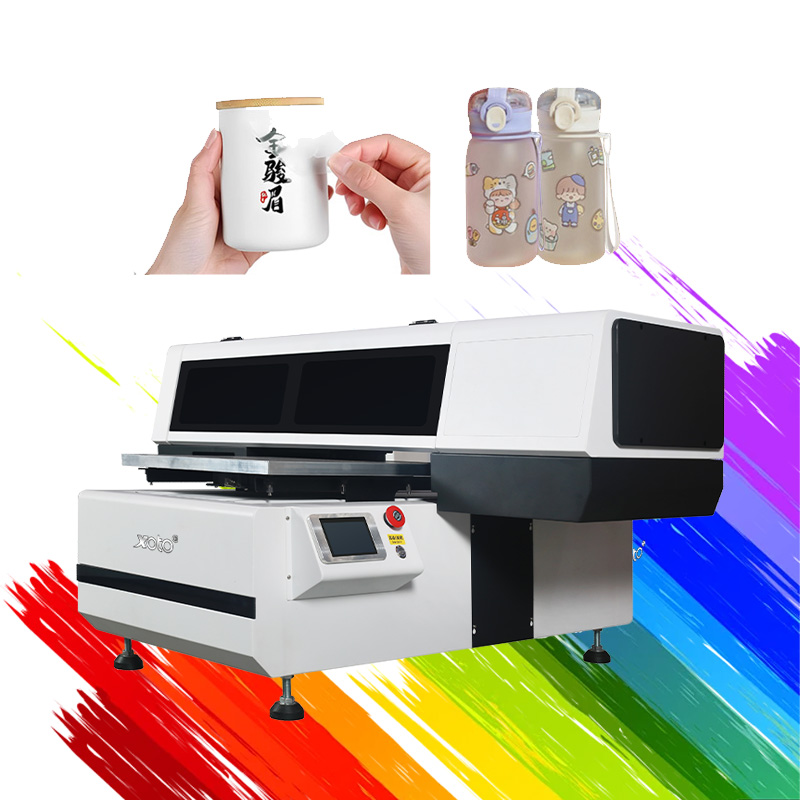
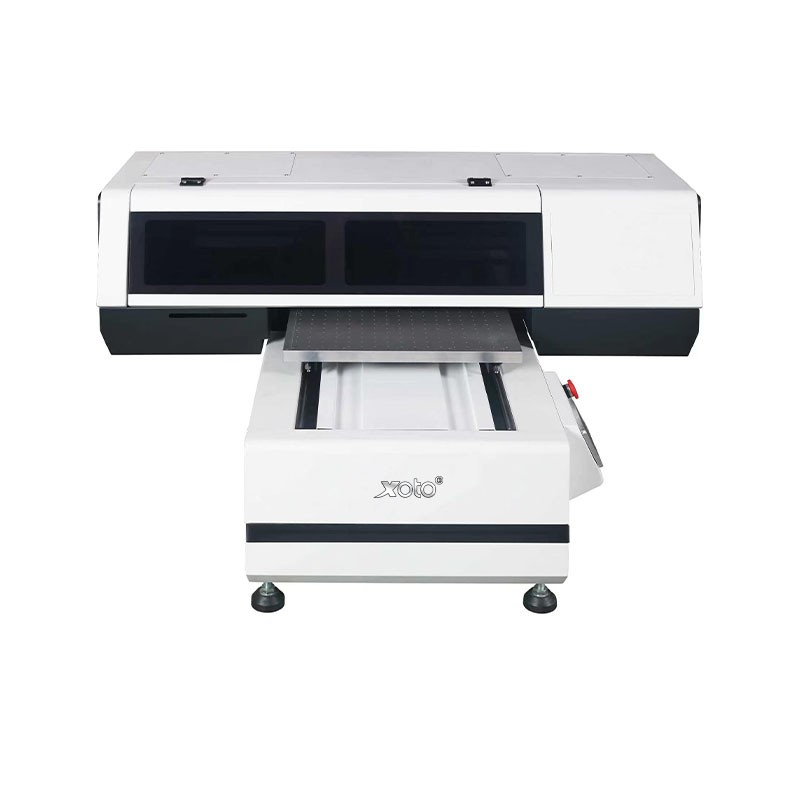
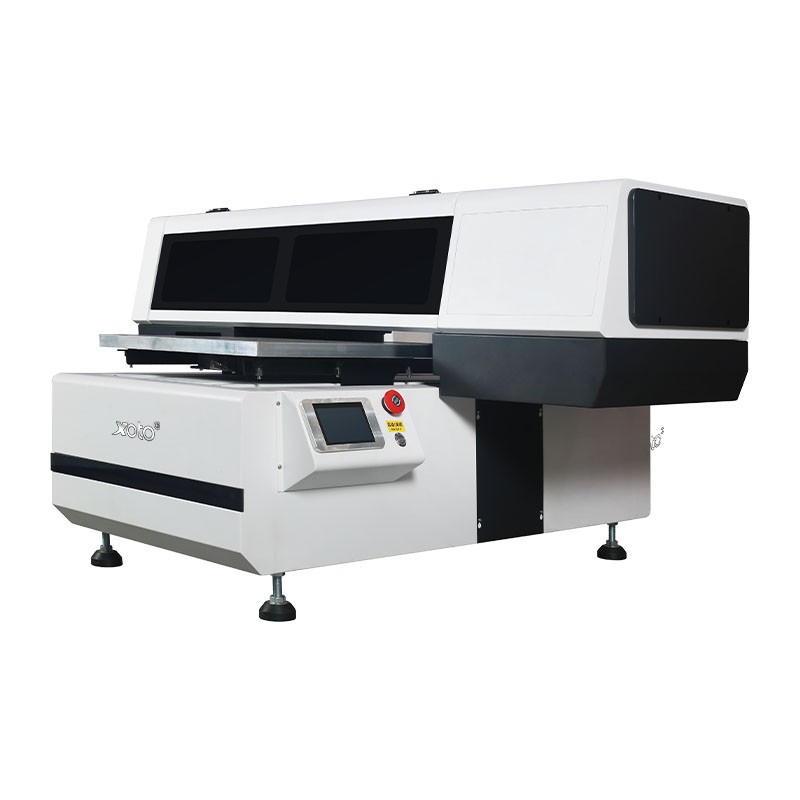
Thin acrylic, film, leather and lightweight blanks are where cheap desktop printers lose registration. The anti-shift vacuum platform holds the substrate flat and fixed from first pass to last, so multi-layer white plus colour plus varnish jobs land in register. A touchscreen panel, emergency stop and levelling feet keep day-to-day operation predictable for a small team.
Specifications
Best Desktop UV Printer Specifications at a Glance
The table below lists the published configuration of the XT-4260. Use it to confirm the machine fits the blanks you already sell before you compare anything else on the market.
| Specification | XOTO XT-4260 |
| Machine type | Desktop industrial UV printing machine |
| Print area | 420 x 600 mm (42 x 60 cm / 16.5 x 23.6 in) |
| Printhead configuration | Dual high-speed printheads |
| Material thickness range | 0-150 mm |
| Ink and finish system | 8-colour varnish system |
| Printing capability | Flat printing, cylindrical printing, varnish printing |
| Media holding | Anti-shift vacuum platform |
| Control and safety | Touchscreen control panel, emergency stop, levelling feet |
| Typical substrates | Phone cases, acrylic, PVC and rigid boards, wood, leather, coated glass and metal, ceramic, labels and film |
| Typical applications | Promotional gifts, awards and trophies, personalised accessories, packaging prototypes, signage samples, e-commerce short runs |
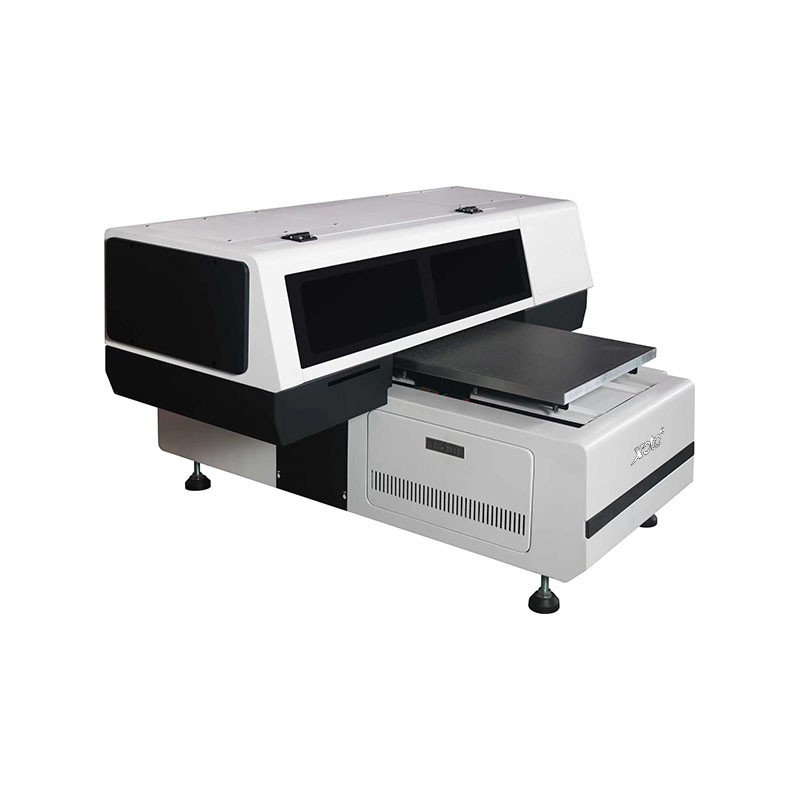
| Positioning | Small-batch production printer for studios, gift shops and in-house brand teams |
Working Principle
Where the Best Desktop UV Printer Pays for Itself
A desktop UV printer is only the best choice when it matches the products you actually ship. The XT-4260 covers the short-run categories that dominate custom and promotional work:
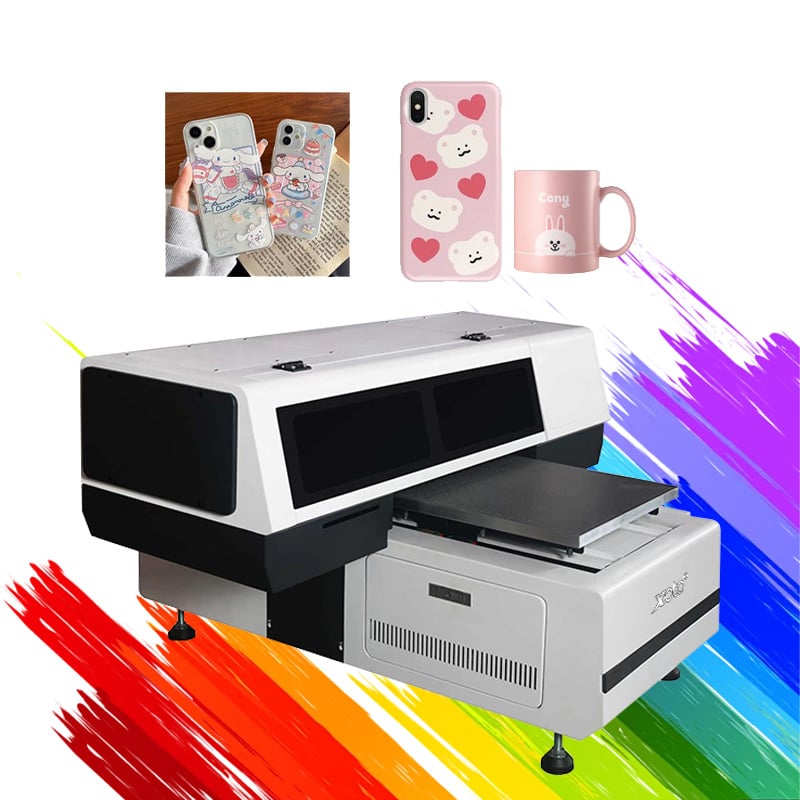
• Personalised giftware - phone cases, keychains, lighters, card holders and acrylic photo blocks, nested many-up on the 42 x 60 cm bed.
• Awards, trophies and recognition pieces - printing directly onto acrylic, wood and metal plaques, including thick bases up to 150 mm.
• Cylindrical products - bottles, tumblers, cups and tubes printed on the rotary setup, ideal for corporate and event orders.
• Packaging and prototype work - short runs of boxes, labels and mock-ups for brand approval before mass production.
• Signage and display samples - rigid panels, nameplates and small-format POS pieces with a varnish finish.
• E-commerce and market-stall product lines - on-demand batches of 10 to 100 pieces that would be uneconomic to outsource.
For a gift studio, that breadth is what turns one machine into several product lines; for a brand, it is a way to approve and sample packaging in-house instead of paying for every iteration.
How to Vet Any Claim to Be the Best Desktop UV Printer
Use these five checks in order. They separate a production-ready desktop unit from a printer that looks good in a brochure.
1. Match the bed to your best-selling blank. Measure the blank, multiply it by the quantity in your average order, and confirm the print area absorbs it in one pass. A 42 x 60 cm bed covers most gift and promotional formats.
2. Count the printheads and ask what they change. Two heads shorten head travel per line, which is what actually cuts cycle time on short runs.
3. Check height clearance against your thickest realistic job. A 0-150 mm range removes the need to refuse thick blanks or buy a second machine.
4. Insist on a real varnish channel. Gloss and spot-varnish capability is the cheapest upgrade you can sell, and it is the difference between a printed item and a retail-grade product.
5. Verify the hold and the support. Ask how the platform resists substrate shift on thin acrylic and film, and confirm installation, training, spare-parts lead time and warranty terms for your region.
FAQ
Short answers to the questions buyers ask most often before ordering the XT-4260.
-
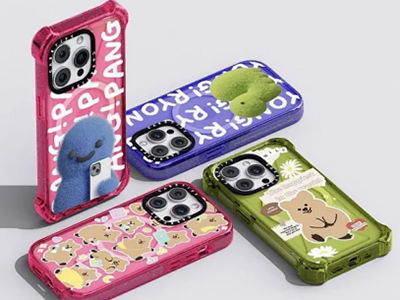
Phone Cases
-
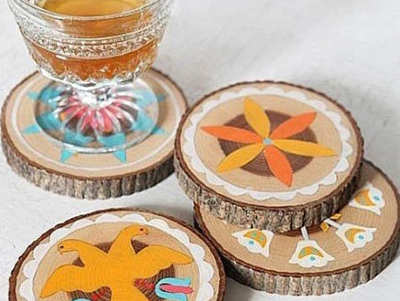
Wooden Cup Holders
-
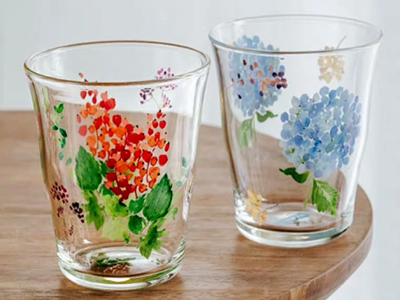
Glass Cups
-
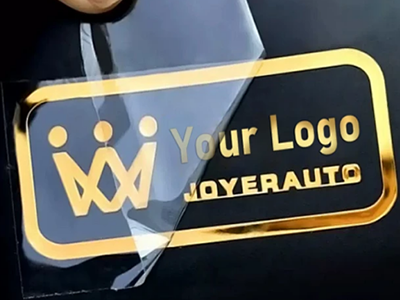
Metal Nameplates
-
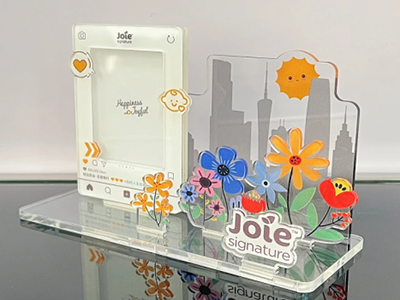
Acrylic Display Boards
-
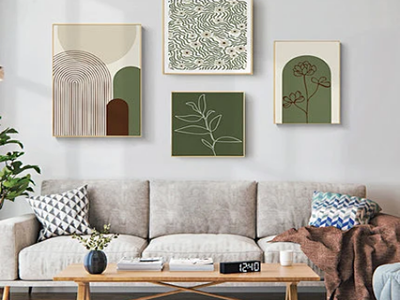
Decorative Paintings
-
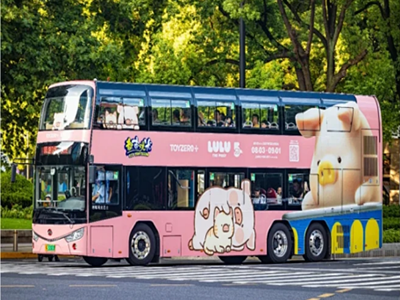
Car Stickers
-
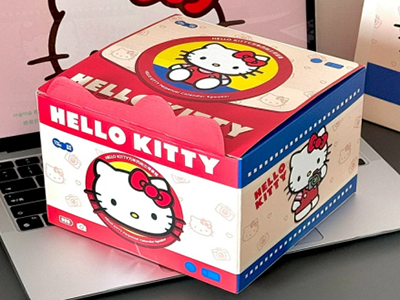
Gift Boxes
-
Road Signs
What makes the XT-4260 the best desktop UV printer for a small business?
It combines four things a small business usually has to buy separately: a 42 x 60 cm print area, dual high-speed printheads, a 0-150 mm material range and an 8-colour varnish system, plus flat and cylindrical printing in one desktop frame. That means one machine, one footprint and one operator can cover giftware, awards and packaging samples.
What is the maximum print size of this best desktop UV printer?
The print area is 420 x 600 mm, or 42 x 60 cm. Anything that fits within that footprint, and within the 0-150 mm height range, can be printed in a single pass.
Can it print on bottles, tumblers and other cylindrical items?
Yes. The XT-4260 is specified for flat, cylindrical and varnish printing, so round products such as bottles, tumblers and cups are handled on the same machine as flat sheets.
What is the maximum material thickness?
The material range is 0-150 mm. That covers thin film and acrylic through to thick wood, PVC and mounted trophy bases, so most production blanks sit comfortably inside the range.
Does it print white ink and varnish?
The machine is built around an 8-colour varnish system. Confirm the exact ink configuration you need - white underlay, gloss varnish or spot varnish - with the sales team when you specify your order, since configurations are set at purchase.
Which materials can the XT-4260 print on?
Typical substrates include phone cases, acrylic, PVC and other rigid boards, wood, leather, coated glass and metal, ceramic, labels and film. For unusual materials, send a sample for a print test before you commit to a production run.
How fast is it compared with a single-head desktop UV printer?
Speed depends on resolution and pass mode, but the dual-head carriage completes each line in roughly half the head travel of a single-head machine, which shortens cycle time most noticeably on 5 to 100 piece orders. Ask for a timed print test on your own artwork for a figure you can plan around.
Is a desktop UV printer suitable for a first-time operator?
Yes, with the right onboarding. The touchscreen control panel, levelling feet and clear head-access layout keep daily operation simple. Plan for RIP setup, colour and varnish profiles, and one or two days of hands-on training before you take commercial orders.
What do I need to install it?
A level bench or stand that can carry the machine, a dedicated power circuit, and reasonable ventilation for the print area. Share your site details with our team and we will confirm the exact electrical and space requirements for your configuration.
What about shipping, warranty and after-sales support?
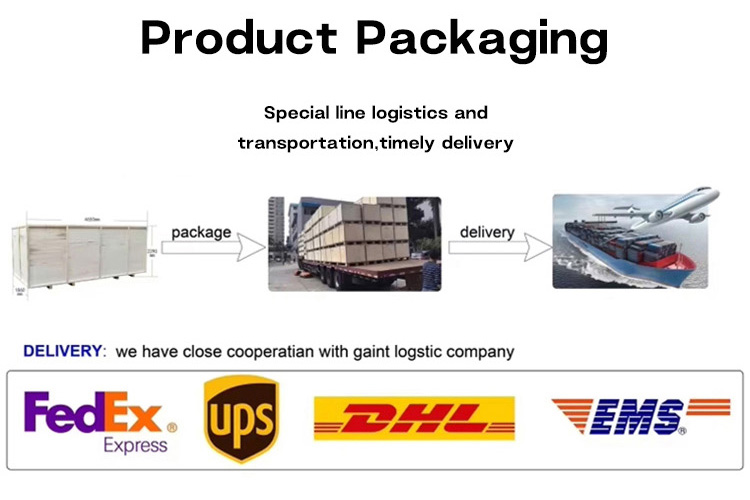
Machines ship in export packing with installation guidance and operator training. Warranty length, spare-parts stock and on-site service coverage vary by destination, so request the current terms for your country before ordering.
How do I get pricing for the best desktop UV printer?
Send your substrate list, artwork and expected monthly output. Our team will confirm the configuration, the varnish and white-ink options you need, and a delivered price for your region.
Get a Quote on the Best Desktop UV Printer
Tell us what you print and how many pieces you ship in a month, and we will match the XT-4260 configuration to your production. Send a sample blank and we will return print and varnish samples with your quotation.
• Request the full specification sheet and current price list.
• Book a live demo or a timed print test on your own artwork.
• Ask for a landed-cost quote including shipping to your port or door.