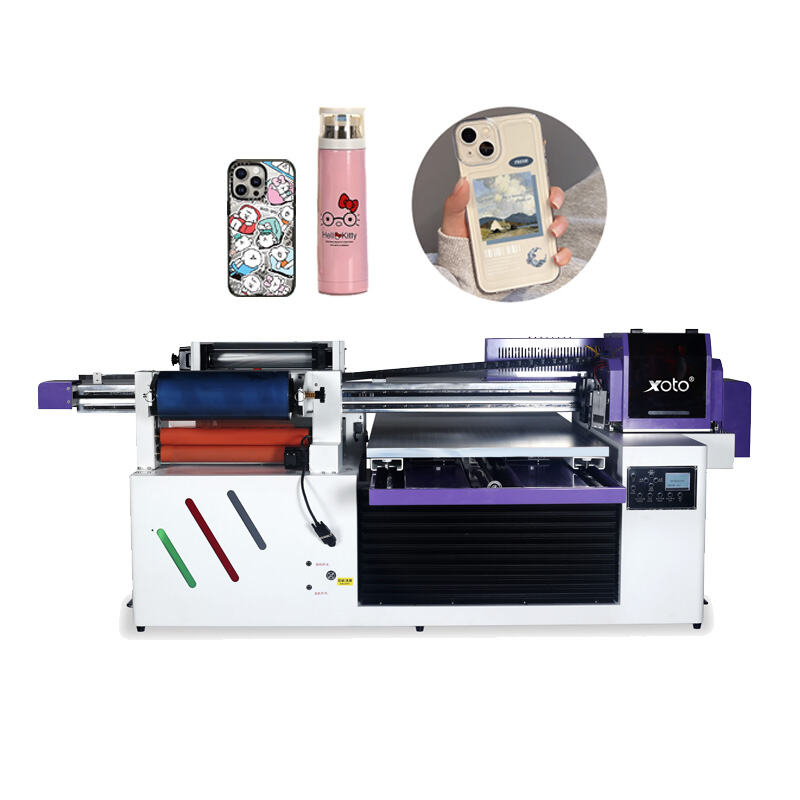
Large Format Printers for Stunning Posters

Large printer for posters

When it comes to printing big posters, having the right printer is really important. A large printer can help you make stunning graphics that catch eyes of people. At Xoto, we know how essential it is have good tools for your printing stuff. Whether you making posters for school event, for business, or just fun, using large-format printer can make big differents. These large format printers can do high-quality images in many sizes, thats why they popular with artists, companies, and schools. You can create from colorful ads to nice artwork. Let’s see how to pick best large-format printer and what benefits you get from using one

When choosing large-format printer, there is several things to think. First, you need decide what size of posters you want print. Some printers handle really huge sizes, other ones are smaller. If you want giant posters for big event, you will want printer that can do that. Next, think about materials you want use. Some printers work with different papers, while others can print on fabric or vinyl too. At Xoto, we got printers that handle range of materials, so you have more choices for posters.
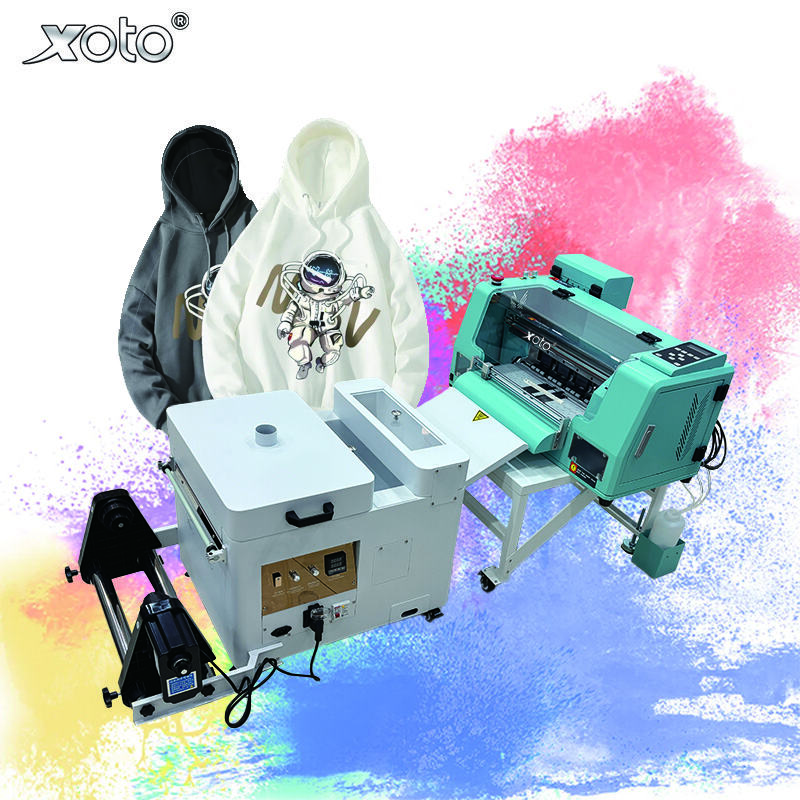
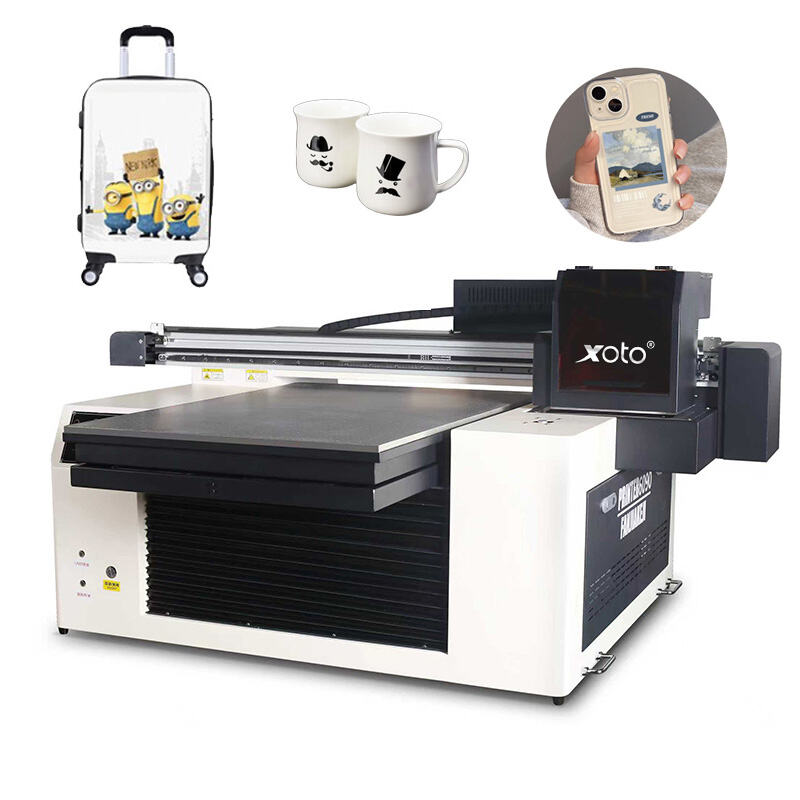
Our Products

How to Choose the Best Large Format Printer for Your Poster Needs

Another thing is quality of prints. Look for printers use advanced tech to make images sharp and vibrant. You want posters look great, so check resolution is key. Higher resolution means better quality. Also, think how often you will use the large format inkjet printer. If you plan print alot, better invest in durable one easy to maintain. Some come with extras like automatic cutting or software for design posters. These save time and make printing easier. Be sure read reviews and ask recommendations to find printer fit your needs

Using large printer for posters have many great benefits. First, it let you create high-quality prints look professional. This especially important if posters for business or events. Good images attract more attention and give nice impression. With large-format printer, you print vibrant colors and detailed designs, which make your posters stand out really.

Get a Free Quote

Our representative will contact you soon.
Email
Name
Company Name
Message
0/1000

Related product categories

What Are the Benefits of Using a Large Printer for Posters?

Cost-effectiveness also major plus. While initial cost for large printer seem high, it save money long run. Instead paying printing services, you do yourself anytime need new poster. This flexibility helpful for businesses or schools change posters often. Plus, with Xoto reliable digital wall printer, you can count they do job well every time. Overall, having large printer open world of creative possibilities and practical things enhance your projects.

Common Usage Issues with Large Printers for Posters and How to Solve Them

One common problem is paper jams. Sometimes paper get stuck inside. This happen if not loaded correct or paper too thick. To fix, always follow instructions how load paper. Best use right type paper printer designed for. If jams keep happening, check pieces stuck inside and gently remove to printer work again. Another issue printer run out ink. When this, posters not look good. To avoid, watch ink levels. Many large printers like from Xoto have warning when ink low. Good have extra cartridges ready so no stop project. Sometimes colors on poster not right. This because wrong color settings. Fix by check settings before print. Make sure choose right mode like CMYK best for printing. If follow these, you avoid many problems and make great posters.

How to Optimize Your Large Printer for Superior Poster Quality

To get best quality posters from large printer, some things you can do. First always use high-quality images. When use picture, try one with high resolution. This mean image have lots detail and not blurry when print big. If using design program, set resolution at least 300 DPI before start. This help poster look sharp. Next use correct paper. Different papers change how colors look. Like glossy make colors pop, matte give softer. Xoto printers work with different types, choose one fit design. Another step calibrate printer. This adjust settings so colors print match screen. Run test print and tweak based how look. Lastly clean printer regular. Dust build up affect quality. Follow cleaning in manual. By do these, your large printer give best posters possible.