Top Deals on Quality Wide Format Inkjet Printers

Wide format inkjet printer

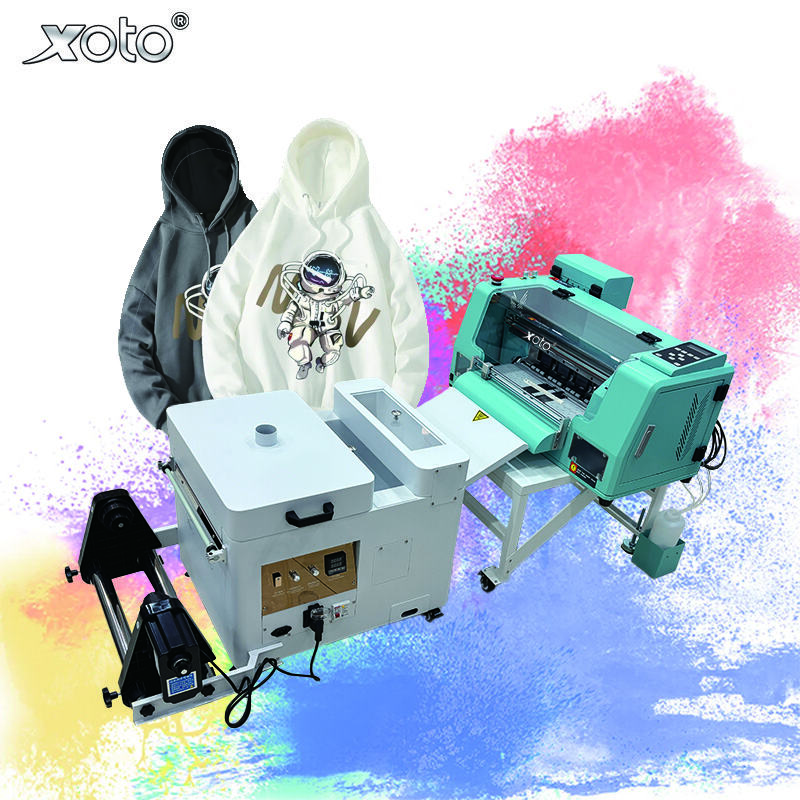
Wide format inkjet printers are special machines that can print really large images and documents. Businesses, artists and designers use them a lot for making banners, posters or signs. Xoto is proud to sell these DTF Printer, they are made to fit different kind of customer’s needs. When you are picking one, you want printer that suit your work, easy to operate and give good quality prints. When you buying wide format inkjet printer, there are several important stuff to consider. First, the size matter a lot. Some printers handle very big rolls of paper, others are smaller. If you will print huge banners or large design, pick one that take wide paper. Next thing is type of ink it use. Some use dye ink which give bright colour, but pigment ink last longer usually. If you want prints that stay good for long time, pigment one is better choice often.
Our Products

How Wide Format Inkjet Printers Enhance Print Quality and Color Accuracy

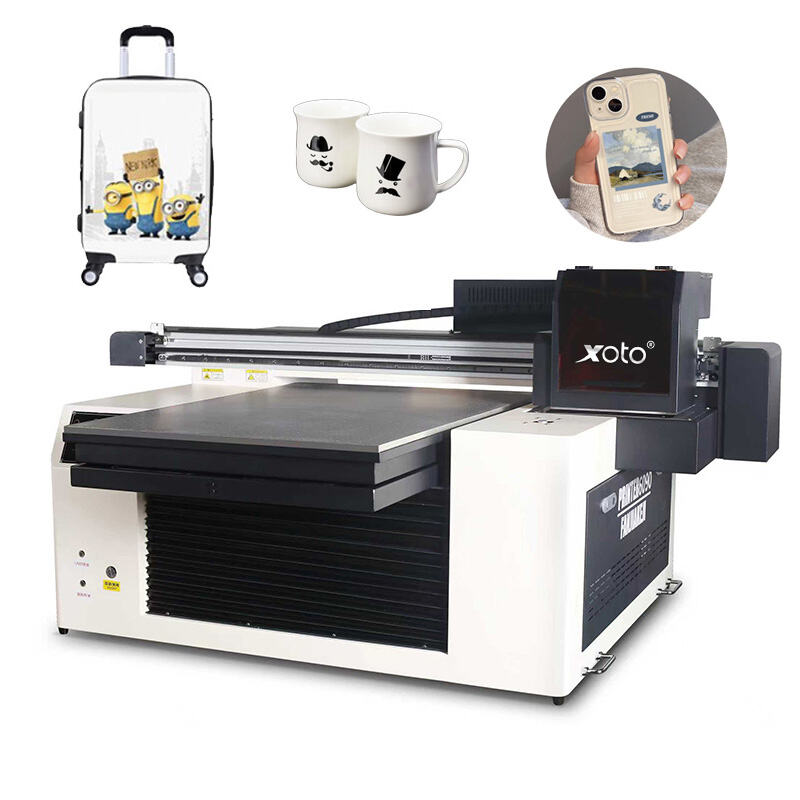
Speed matters a lot too. For a business that is always on the move, you will need a printer that prints quickly. Some printers can produce a large poster in a couple of minutes while others will take significantly more time. You should not only think about the price of the printer but also the cost of ink. Check the prices of different brands and decide on one that suits your finances. And lastly, don't forget to look at the features. Some come with special software that helps in designing. Xoto's uv hybrid printer normally have very easy, to, use software for creating great graphics. Besides that, many of the best printers have advanced colour management features. This is to ensure that the colours displayed on the screen are the same as those in the printed work. This is very necessary for designers and artists who want their works to be spot-on


Connectivity is important as well. Printers with wireless or USB connection are easier to use in a busy environment. Xoto products usually offer multiple ways of connecting so that printing from different devices is very easy. Lastly, don't forget support and warranty, a good warranty can save you a lot of money in case of a problem.

Get a Free Quote

Our representative will contact you soon.
Email
Name
Company Name
Message
0/1000

Related product categories

How to Maximize Efficiency with Your Wide Format Inkjet Printer

Wide format inkjet printers are really meant for big pictures and designs. They really come in handy when you are working on large pieces such as posters banners and signs. What enables them to be so effective is their ability to print on very large sheets or other materials. You can make very attractive displays that grab people's attention. The major advantage, however, is the large size of the prints. If you use a Xoto wide format printer, you will be able to make prints that are much bigger than what a normal printer can do. These machines use a special type of ink that dries quickly and stays colourful. That is really important because the prints look amazing and last for a long time, even if they are left outside in the sun and rain.


What Features Should You Look for in a Wholesale Wide Format Inkjet Printer?

Another reason they ideal is versatility. You can print on vinyl, canvas, even fabric sometime. So you can create all sort of projects, from school event banners to nice artwork. Print quality is also excellent. Xoto's digital wall printing machine make sharp images with lots of detail. Text or photos, everything clear and look professional. That's why businesses, schools, artists love use them. They save time and help make stunning prints people remember.


How Wide Format Inkjet Printers Can Elevate Your Printing Business

If you want to get the most out of your wide format inkjet printer, here are some suggestions: use the proper type of paper or material for the specific project. Each different type of project requires a different type of material, so be sure to use the appropriate type. Keeping your printer free from dust and dirt will help to improve your quality. Clean regularly to maintain improved quality. Adjusting your settings will assist you with producing better quality prints. Different resolutions and different color settings will depend on the type of prints that you create. Xoto has user-friendly software for adjusting the above-mentioned settings. As you complete each project, always monitor your ink level, so you can avoid running out of ink in the middle of a project. If you follow the above mentioned tips, your printer will create excellent quality prints every time.