

Digital UV Flatbed Printing Machine
XOTO XT-6090Ultra · 600 x 900 mm · Flatbed / Roll / Cylindrical · Industrial grade
- Overview
- Specification
- Application
- About us
- FAQ
- Recommended Products
Parameters
Digital UV Flatbed Printing Machine for Short Runs, Custom Objects and Same-Day Turnaround
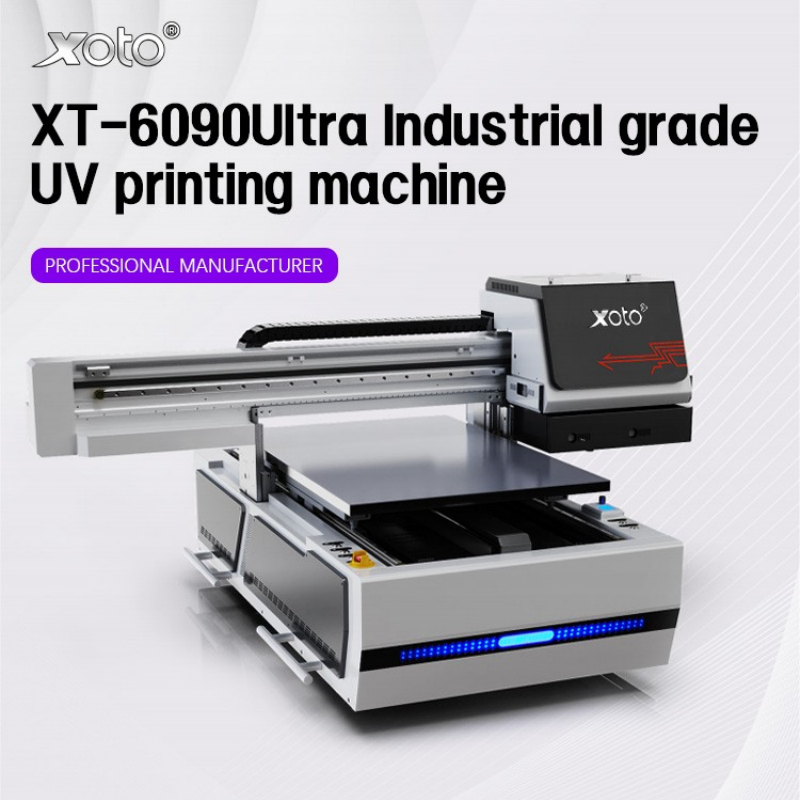
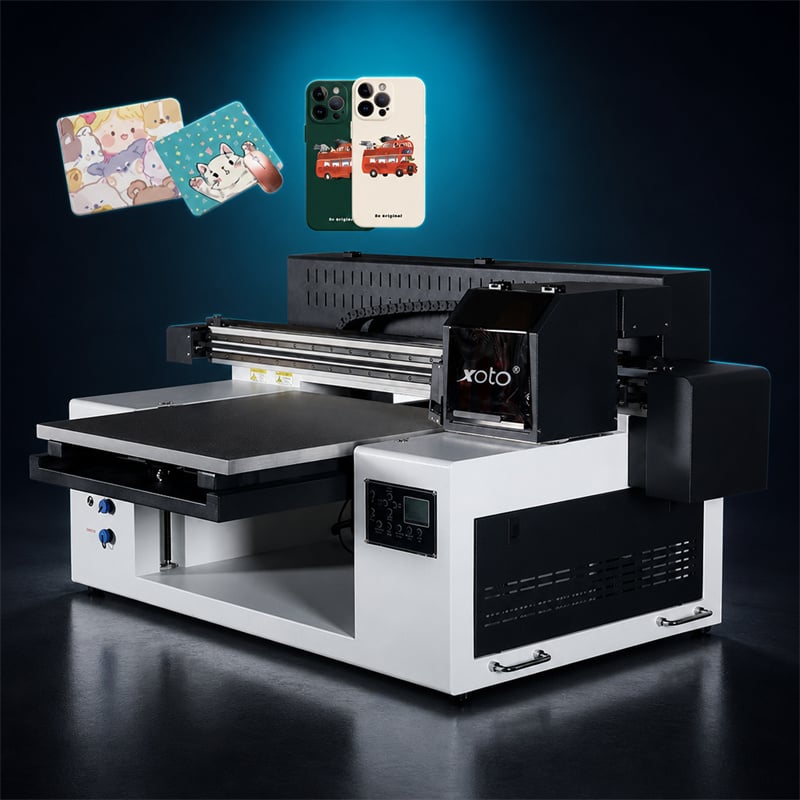
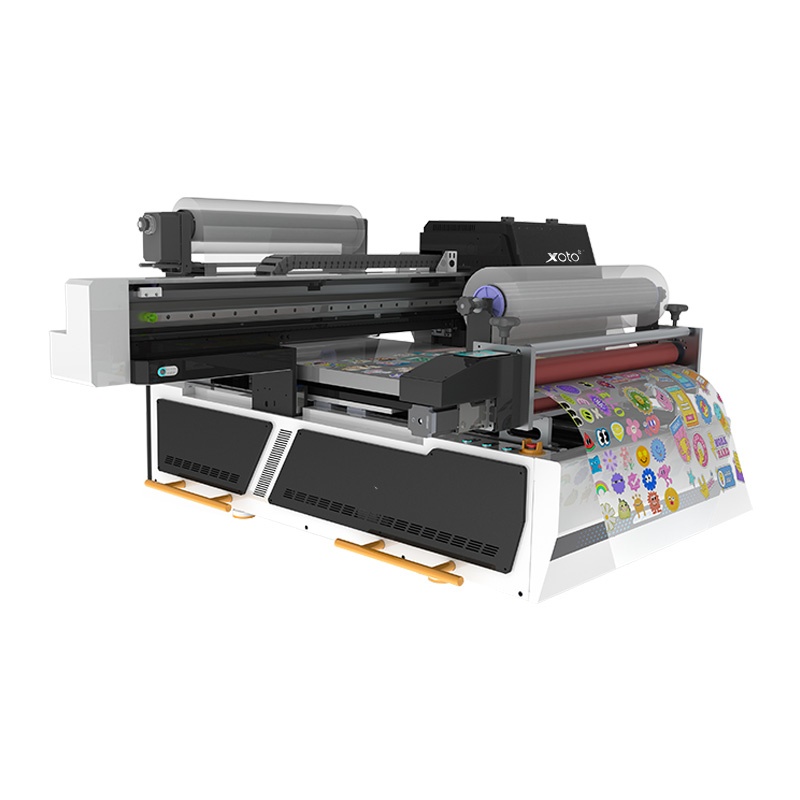
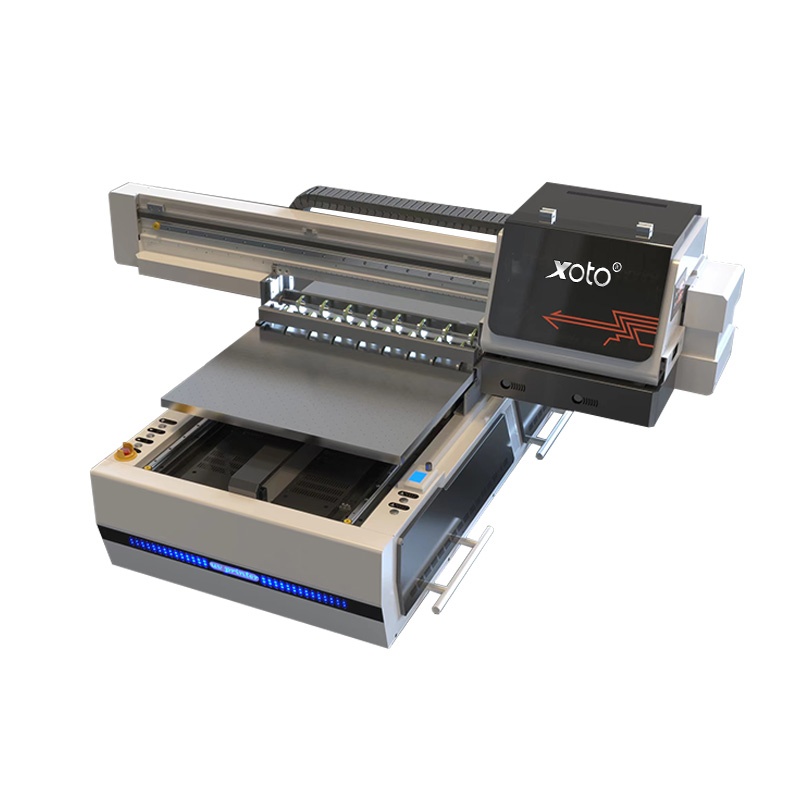
A digital UV flatbed printing machine removes the two things that make traditional printing slow: the plate and the drying time. There is no film, no screen, no pad and no transfer step — the file goes to the RIP, the head lays UV-curable ink directly onto the substrate, and a UV lamp cures it before the carriage returns. On the XOTO XT-6090Ultra that happens across a 600 x 900 mm table, which is large enough for signage panels, gift boxes and sheeted parts, and small enough to run inside a normal workshop.
The practical consequence is a production model where the first piece costs the same as the five-hundredth. Job one is a single phone case; job two is forty wooden coasters; job three is a run of branded gift boxes. Nothing is thrown away at changeover except the file, and no minimum order exists unless you impose one. That is what "digital" buys you on a flatbed — not a higher top speed than screen printing, but the ability to say yes to the jobs a screen printer has to decline. That is the business case for a digital UV flatbed printing machine in one sentence.
What "Digital UV Flatbed" Actually Means
• Digital — the image exists only as a file. No screen, no plate, no pad, no transfer film required for rigid work. Changing the design costs one click.
• UV — the ink cures under a UV lamp the instant it lands, so output leaves the table dry, stackable and packable without a drying rack or a waiting period.
• Flatbed — the substrate sits on the table and the head travels over it, which is why thickness, weight and shape stop being obstacles.
• Industrial grade — a gantry machine with a vacuum table, not a desktop unit with a photo-frame bed. It is built to run production hours, not samples.
• One platform, three feeds — rigid boards on the table, roll film through the media feed, cylinders on the rotary attachment. Same inks, same RIP, same operator.
Digital vs Screen vs Pad Printing: Where Each One Wins
Buyers comparing a digital UV flatbed printing machine against screen or pad printing usually compare a single price per piece, which is the wrong unit. Compare setup cost, minimum order and changeover instead — the three numbers that decide whether a job is profitable.
| Criterion | Digital UV flatbed | Screen printing | Pad printing |
| Setup per design | None — file only | One screen per colour | One cliché per colour |
| Minimum order | One piece | Set by setup cost | Set by setup cost |
| Cost curve | Flat per piece | Falls sharply with volume | Falls with volume |
| Design change | Minutes | New screen + setup | New cliché + setup |
| Colours | CMYK + white + varnish in one pass | One pass per colour | One pass per colour |
| Variable data | Native — every piece different | Not practical | Not practical |
| Thick / 3D parts | Direct, adjustable height | Flat substrates only | Curved small parts |
| Short-run verdict | Wins decisively | Loses below break-even | Loses below break-even |
* For long runs of a single design on one material, screen printing still wins on ink cost. The XT-6090Ultra is the machine you buy for the other 80% of the order book — short runs, mixed designs, personalised pieces. Many shops run both.
This is why the same digital UV flatbed printing machine can serve a phone-case brand, a promotional-gift wholesaler and a signage shop without changing anything but the file. The machine is not specialised by industry; it is specialised by feed mode.
Specification
| Item | Specification |
| Model | XOTO XT-6090Ultra |
| Machine type | Digital UV flatbed printing machine, industrial grade gantry design |
| Print area | 600 x 900 mm |
| Feed modes | Flatbed (rigid), roll-to-roll (film, sticker, transfer), rotary (cylindrical) |
| Ink | UV-curable, CMYK + white + varnish (channel configuration per printhead set) |
| Curing | UV LED, instant cure at the carriage |
| Platform | Vacuum suction table with adjustable head height for thick substrates |
| Substrates | Acrylic, PVC foam board, glass, ceramic, metal, wood/MDF, leather/PU, TPU/PC, PET/PVC film, canvas |
| File input | TIFF / JPEG / PDF via RIP software |
| Control | Touch panel with PC RIP workstation |
* Print speed, resolution and printhead configuration vary with the head option fitted. Request the current datasheet for the configuration you are quoting — we do not publish a single speed figure that only applies to one head set.
Three Feeds, One Workflow
• Flatbed — rigid sheet and small parts directly on the vacuum table: phone cases, gift boxes, signage panels, wooden blanks, ceramic tiles.
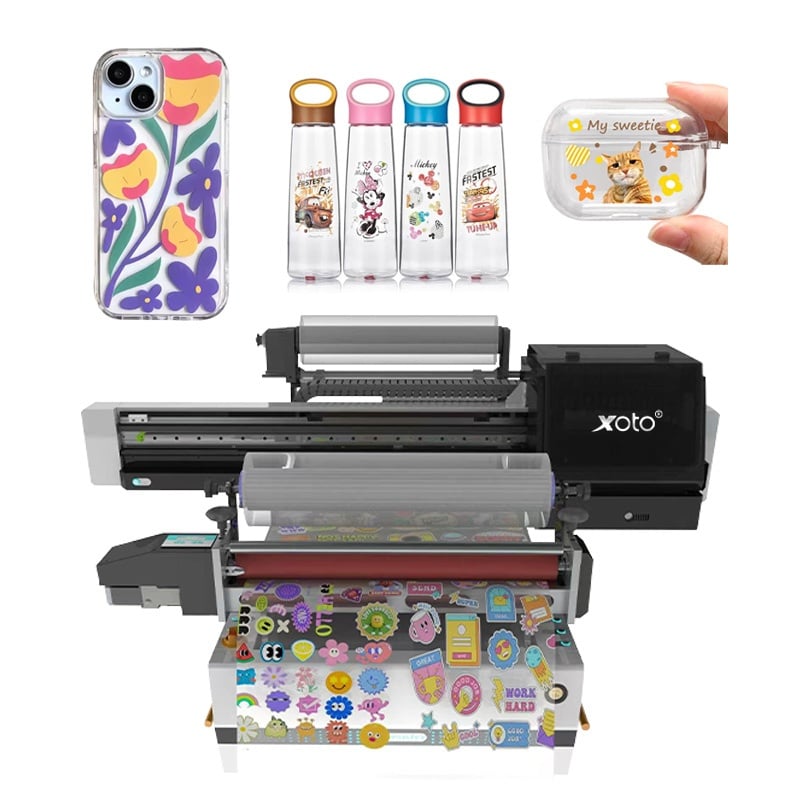
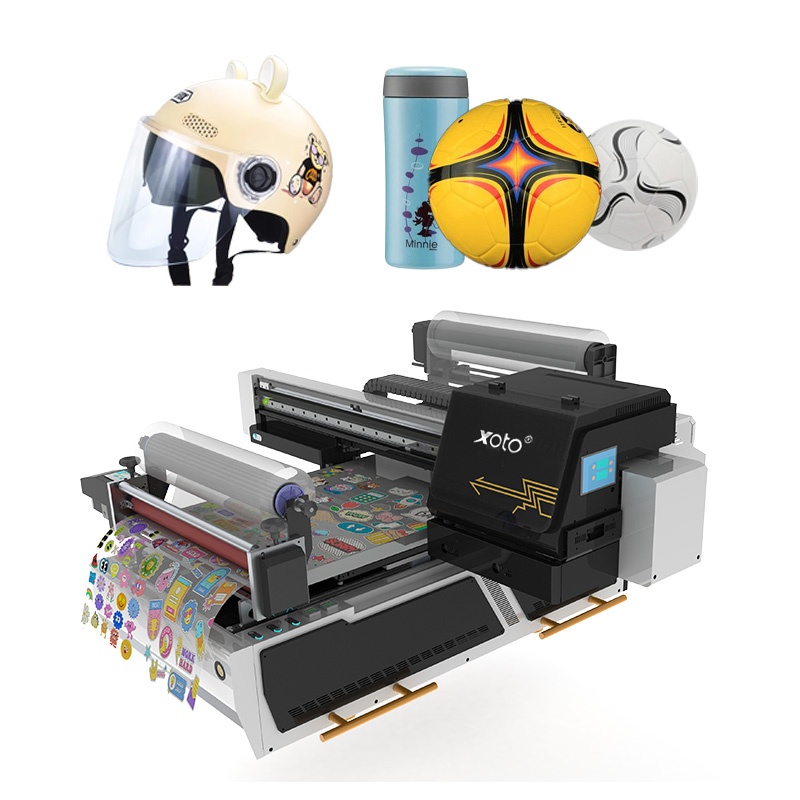
• Roll-to-roll — film and sticker stock through the media feed, then cut: labels, decals, transfer film for garments, roll stickers.
• Rotary — cylindrical items on the rotary attachment: bottles, tubes, jars, tumblers.
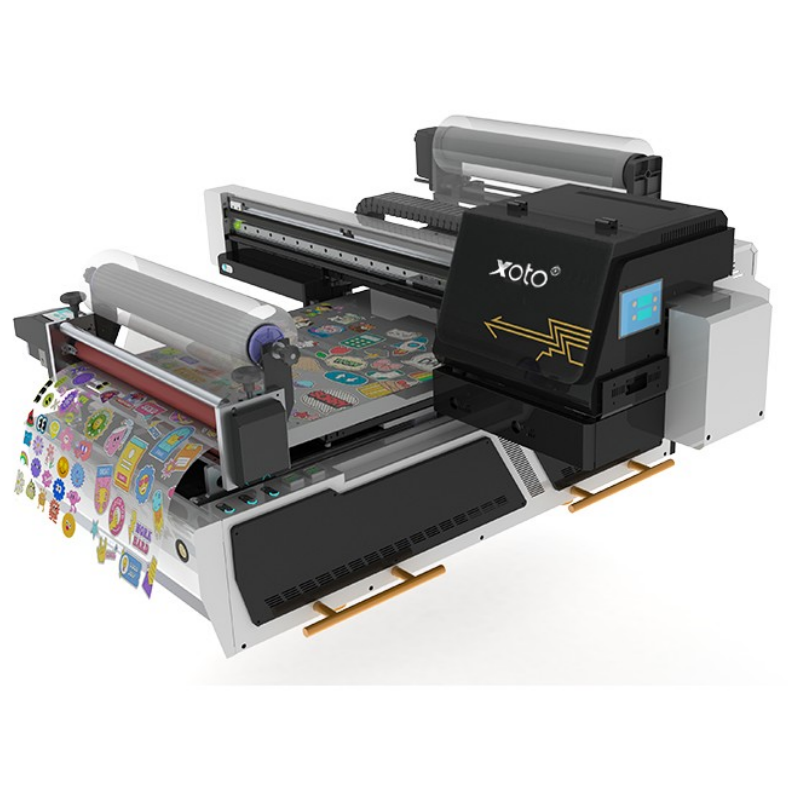
Roll-to-roll module: sticker and label sheets printed and rewound in one pass.
White Ink and Varnish on a Digital UV Flatbed Printing Machine
On a digital UV flatbed printing machine, white ink is not a colour — it is a substrate. It is what lets you print a full-colour image on black acrylic, dark leather, transparent glass or a coloured phone case and have the image read correctly. Without a white channel, half the products in this category are simply not printable.
• White as a base layer — opacity under colour on dark, clear and metallic substrates.
• White as a design element — knock-white text and line work on coloured products.
• Varnish as spot gloss — raised, textured or glossy areas on a matte print, which is the difference between a printed box and a premium box.
• Varnish as protection — a clear top layer over high-touch areas such as phone cases and handles.
* Ink channel allocation (for example CMYK + white + varnish across the head set) is confirmed at order, because the same platform is configured differently for different product mixes.
What This Machine Prints
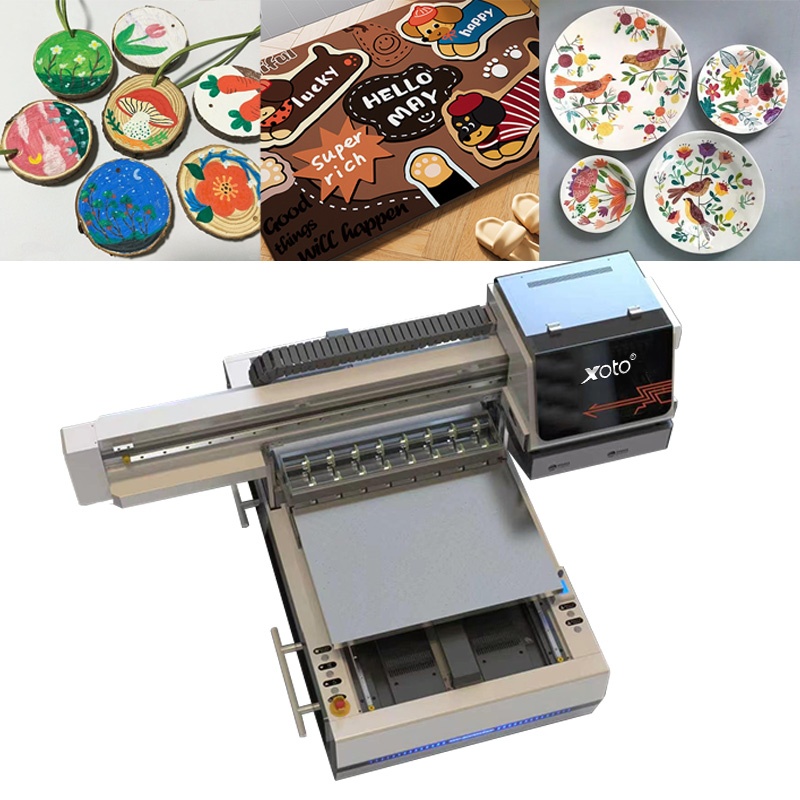
Wooden discs and coasters, decorated sheets, ceramic plates — flatbed and rotary work from the same machine.
| Market | Typical products |
| Phone & device accessories | Cases, earbud shells, power banks, stands |
| Promotional gifts | Wooden coasters, keychains, pens, USB drives, awards |
| Packaging | Gift boxes, rigid boxes, folding cartons, tubes |
| Signage & display | Acrylic panels, foam board, PVC sheet, exhibition graphics |
| Tableware & homeware | Ceramic plates, glassware, chopping boards, tiles |
| Apparel | Transfer film for t‑shirts, hoodies, tote bags |
| Labels & stickers | Roll stickers, decals, product labels, security labels |
From File to Finished Product
1. Prepare — artwork to the RIP, colour-managed to the substrate and profile. White and varnish layers set as separate channels.
2. Place — substrate on the vacuum table with the height set, or load roll media, or mount the cylinder fixture.
3. Print — the head lays colour, white and varnish; the UV lamp cures each pass so the print is dry on exit.
4. Finish — cut, crease, laminate or pack. No drying rack, no overnight cure, no second process.
Application
-
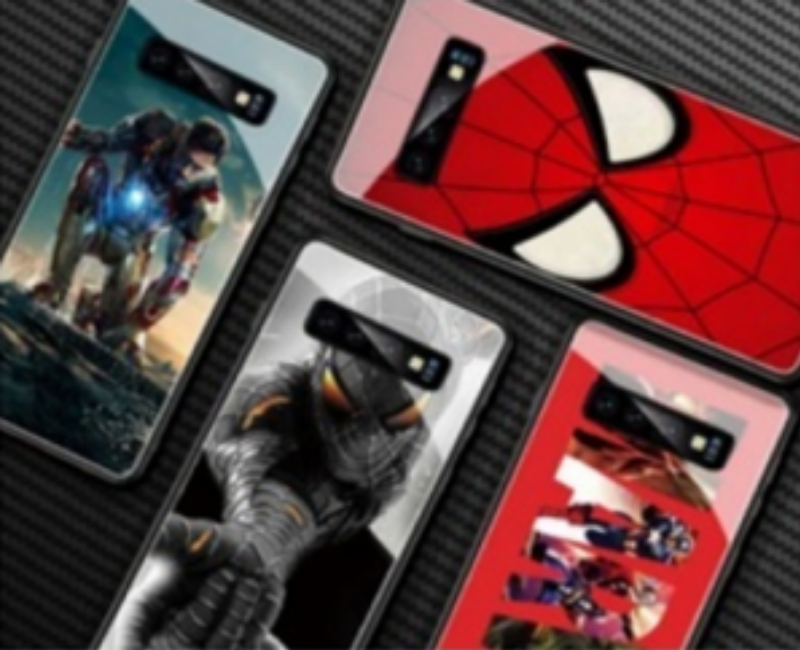
PHONE CASE
-
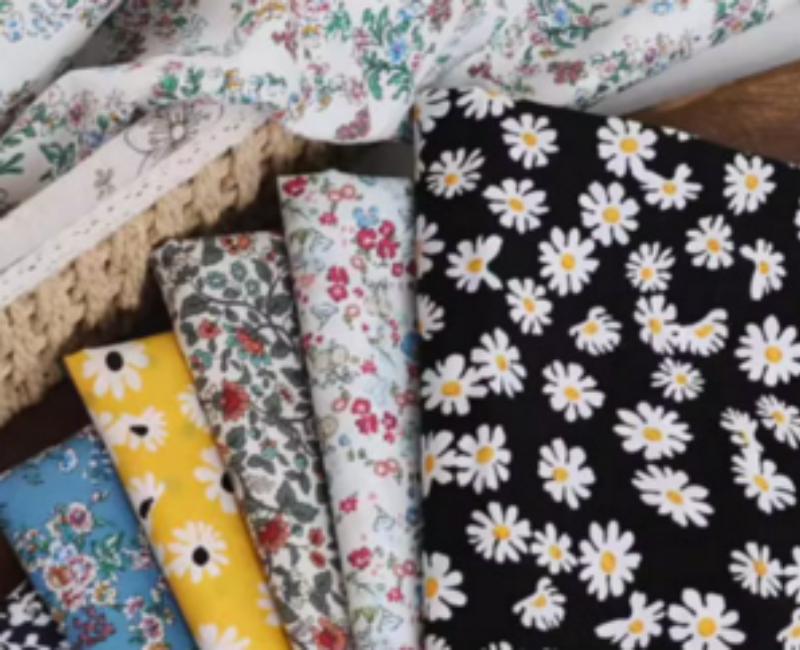
CLOTH
-
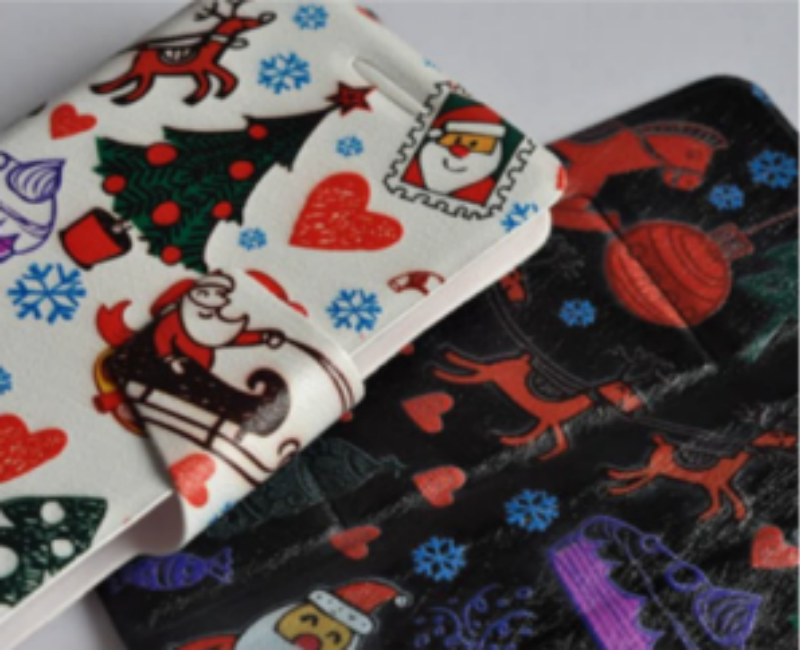
LEATHER
-
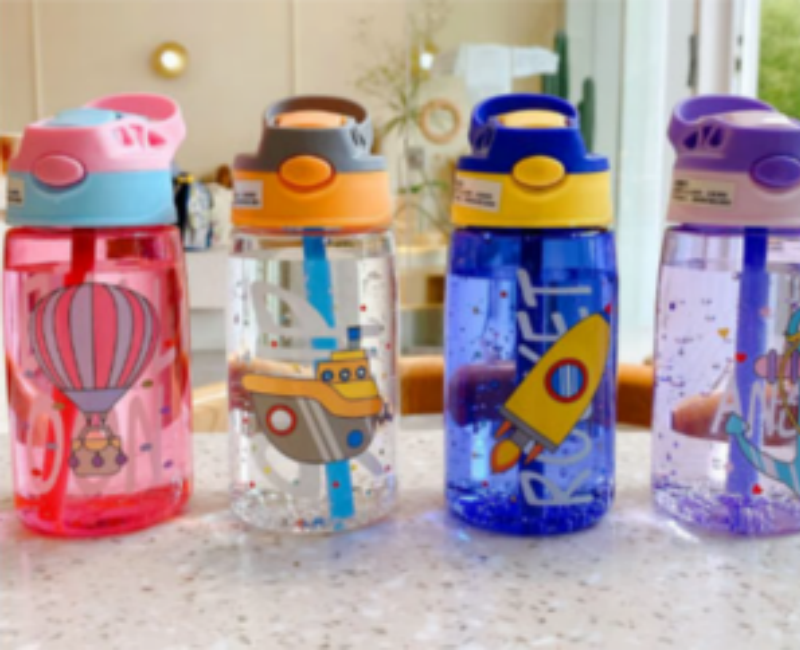
WATER CUP
-
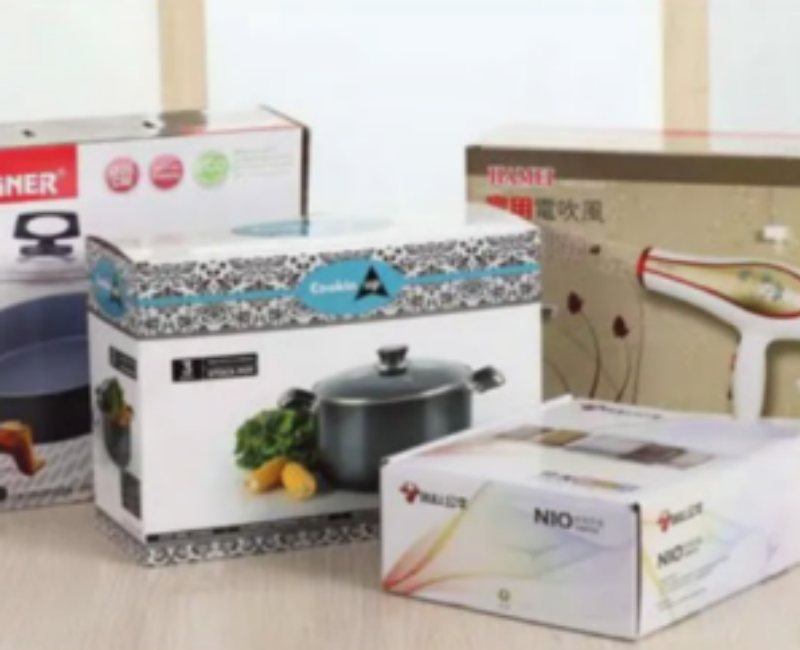
BOX
-
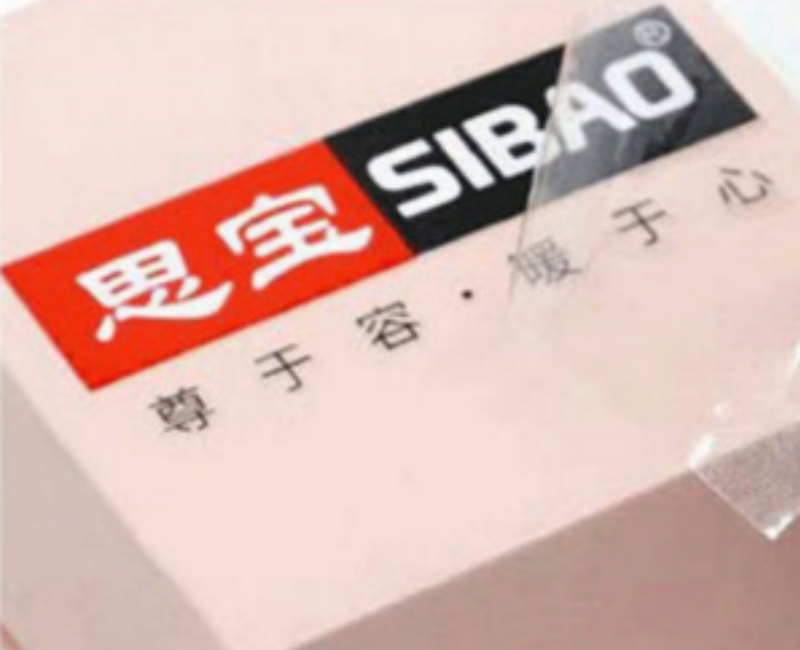
CRYSTAL LABEL
-
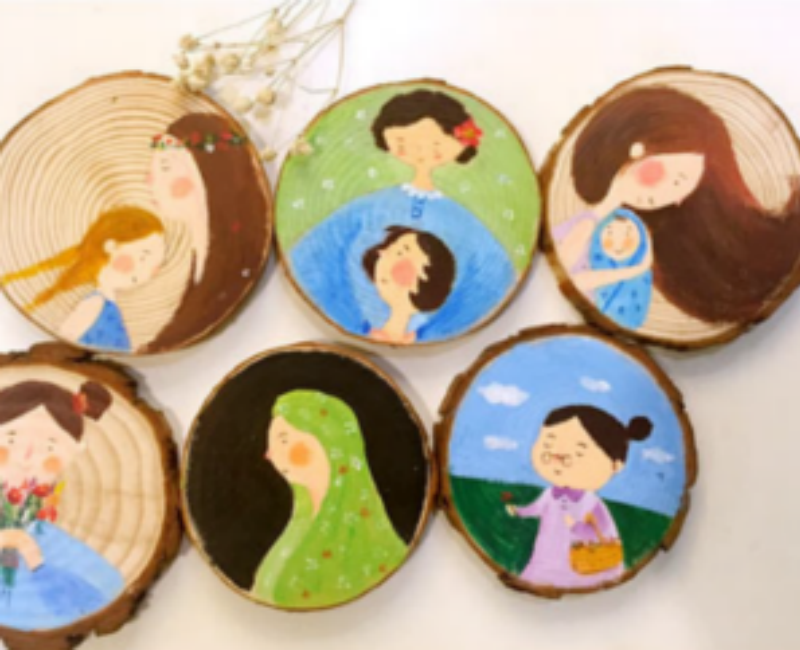
BOARD
-
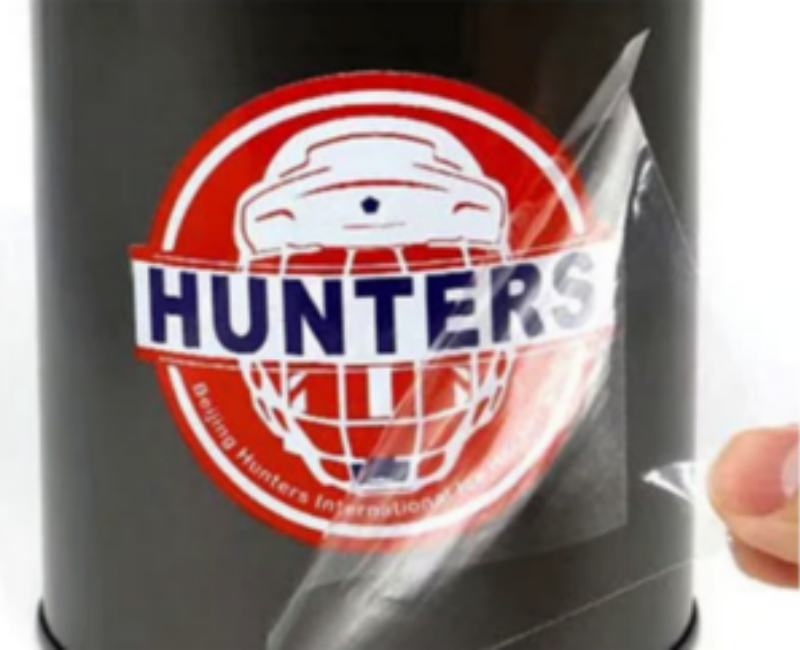
METAL PACKAGING BOX
-
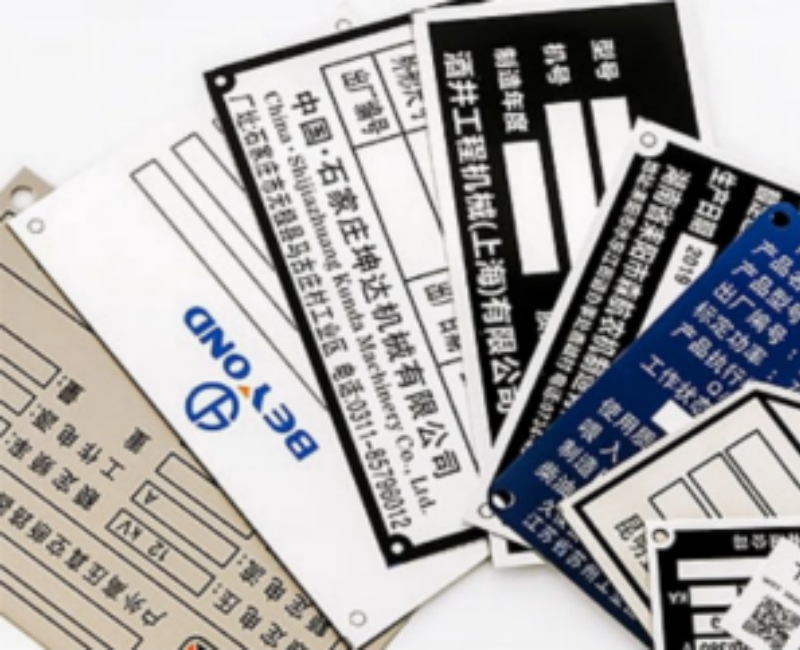
METAL PLATE
-
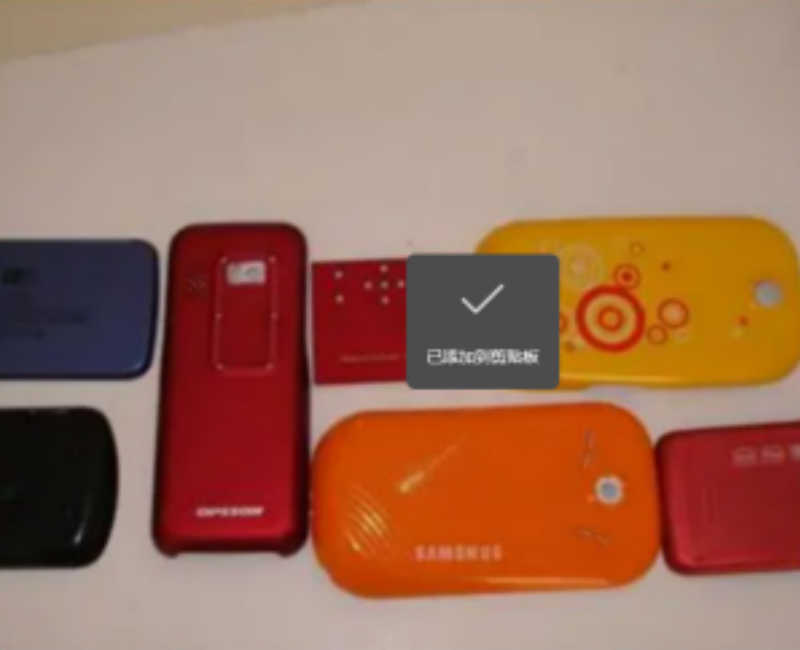
PLASTIC CASE
-
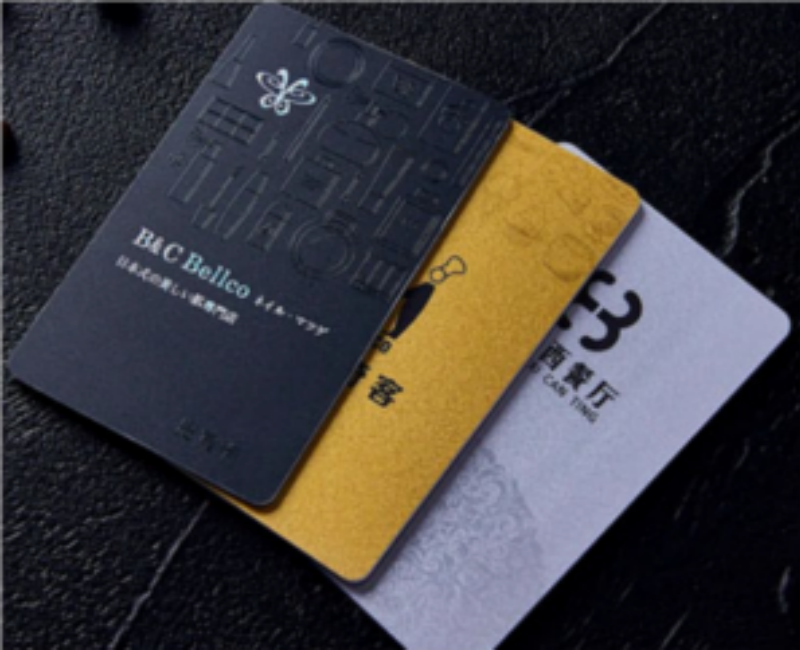
PVC
-
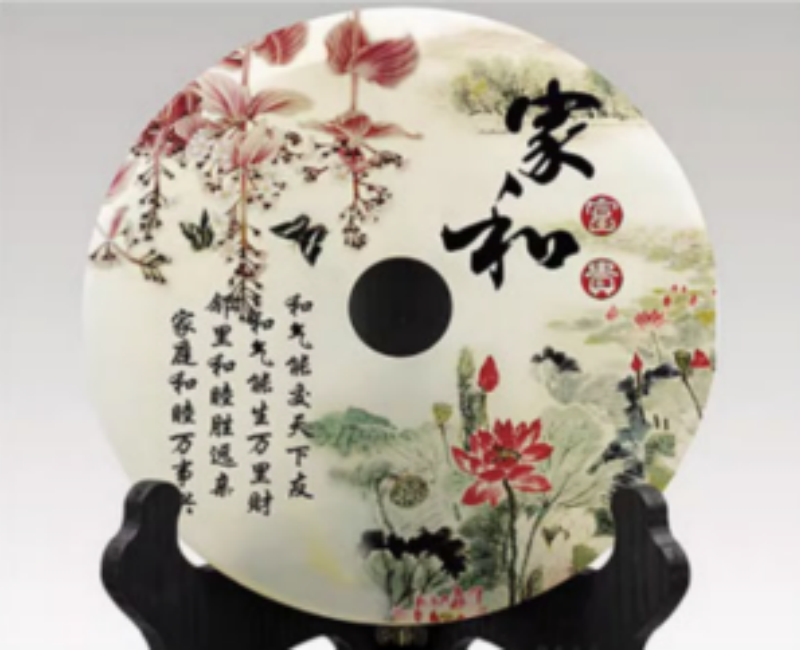
JADE
-
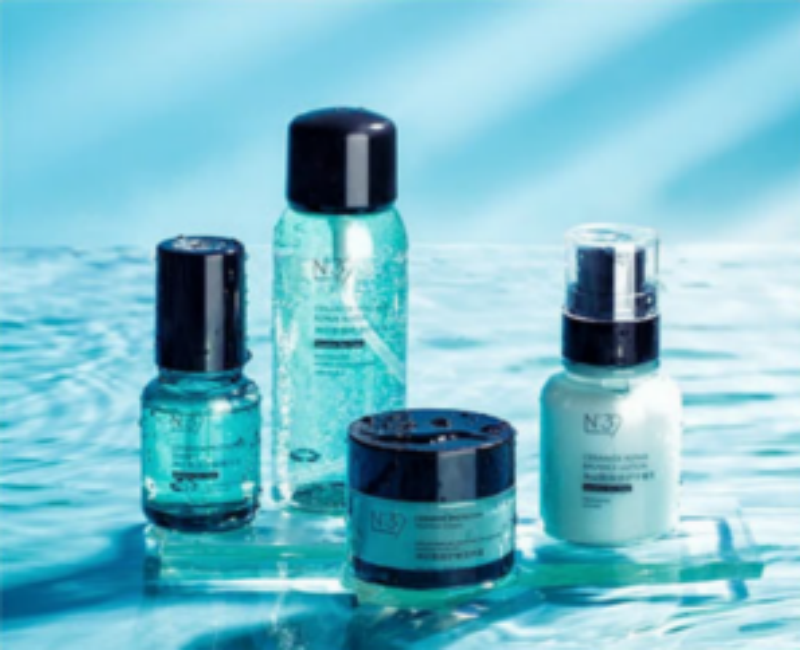
COSMETICS
-
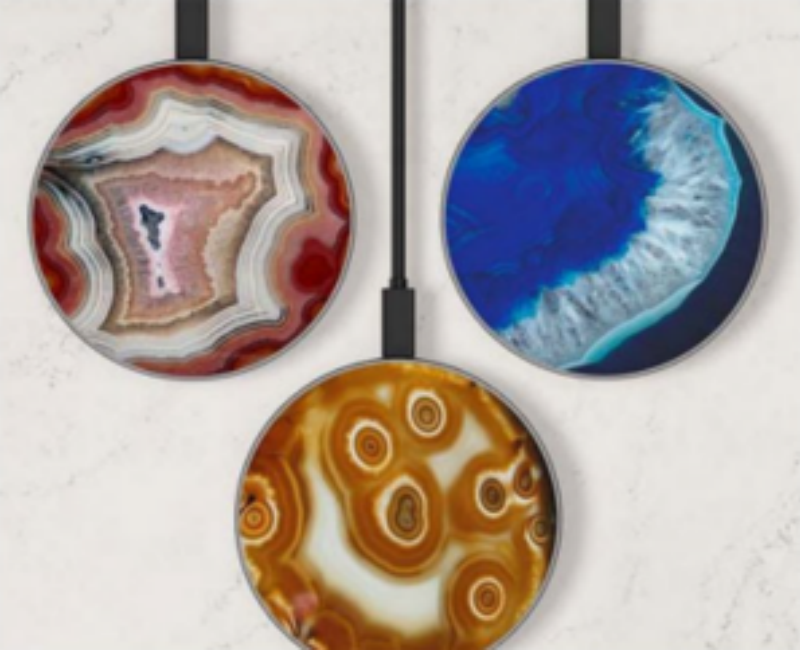
WIRELESS CHARGER
-
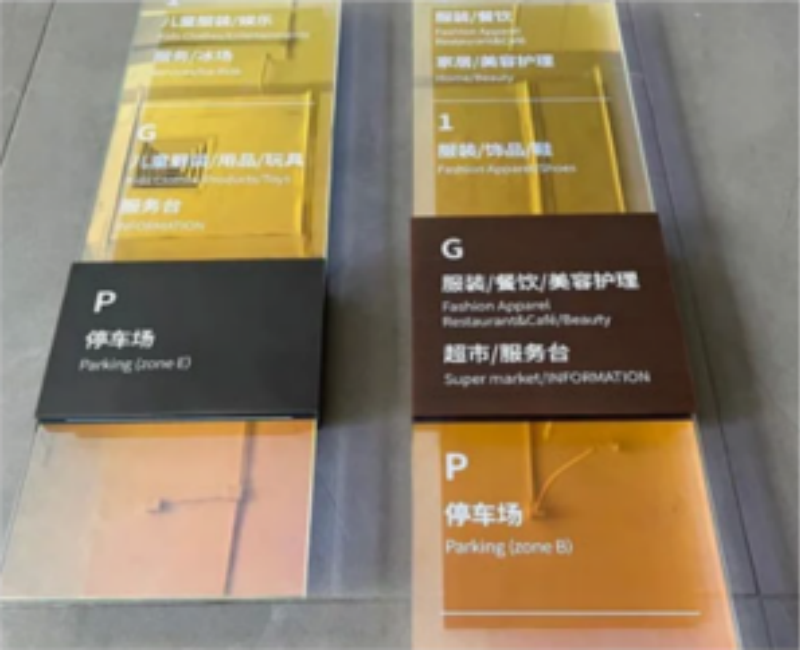
WIRELESS CHARGER
-
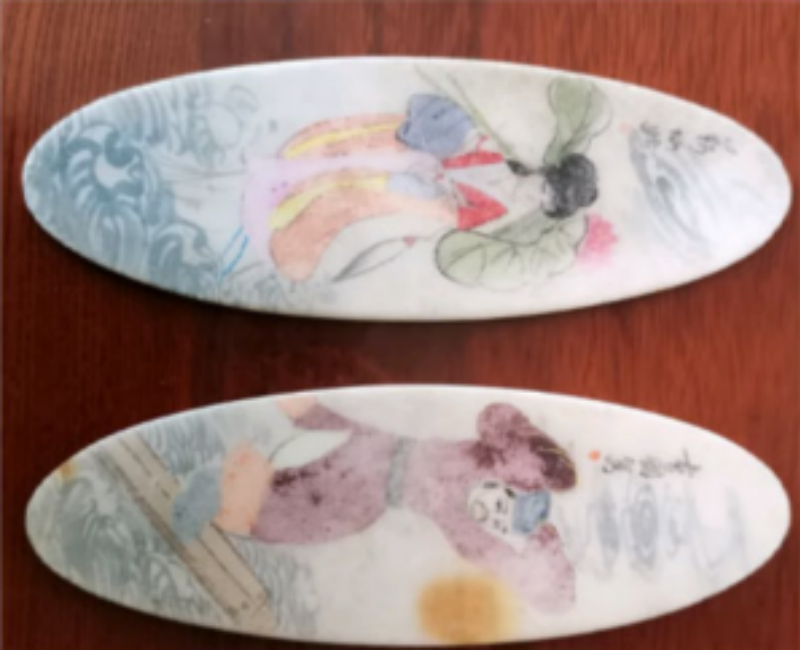
SLABSTONE
-
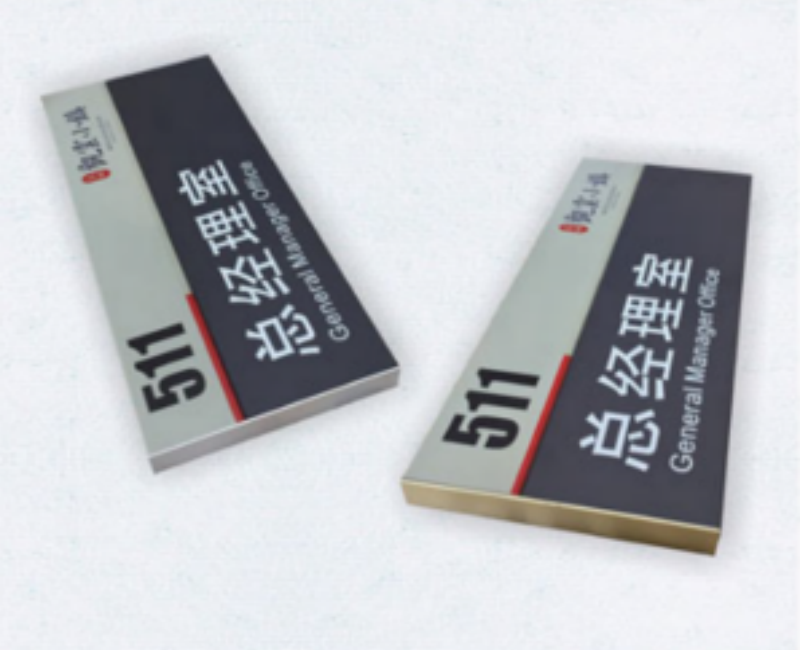
SIGNBOARD
-
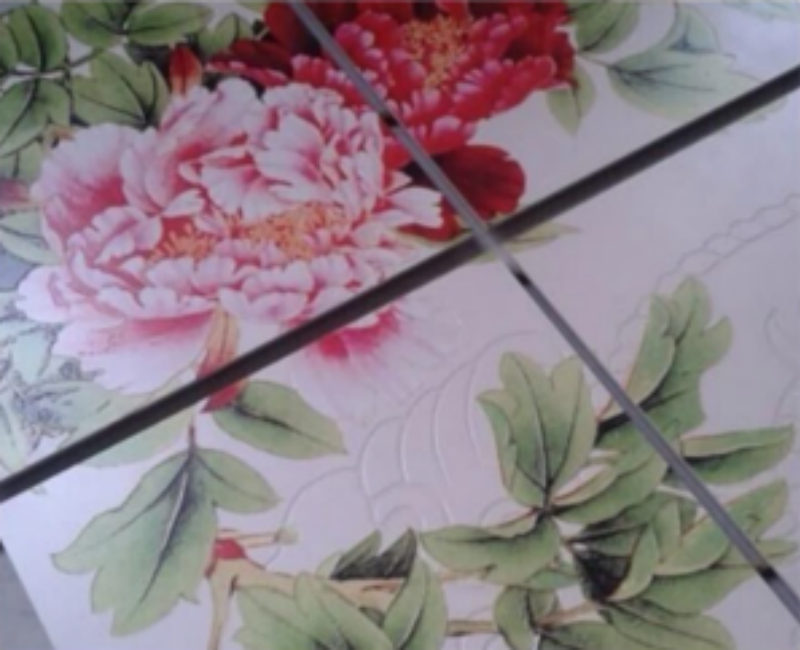
CERAMIC TILE
-
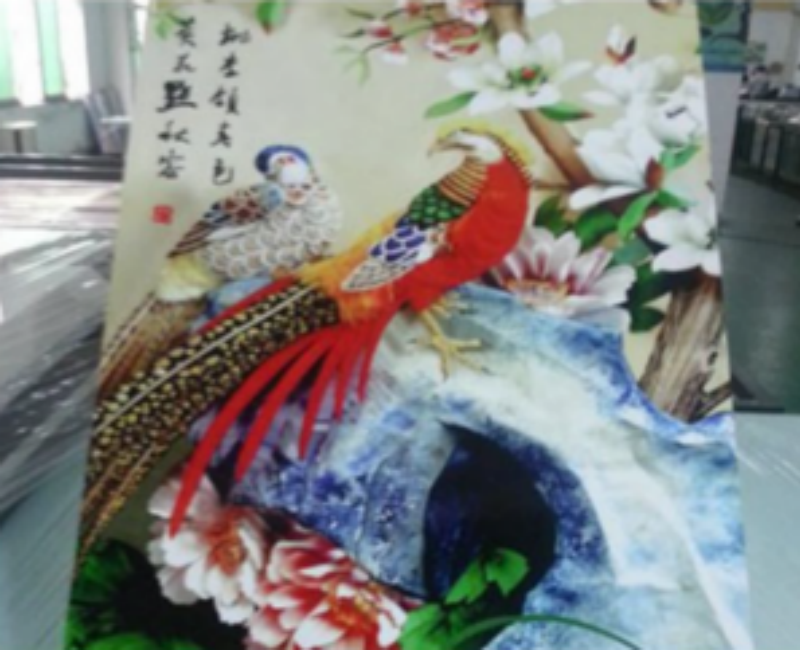
FOAM BOARD
-
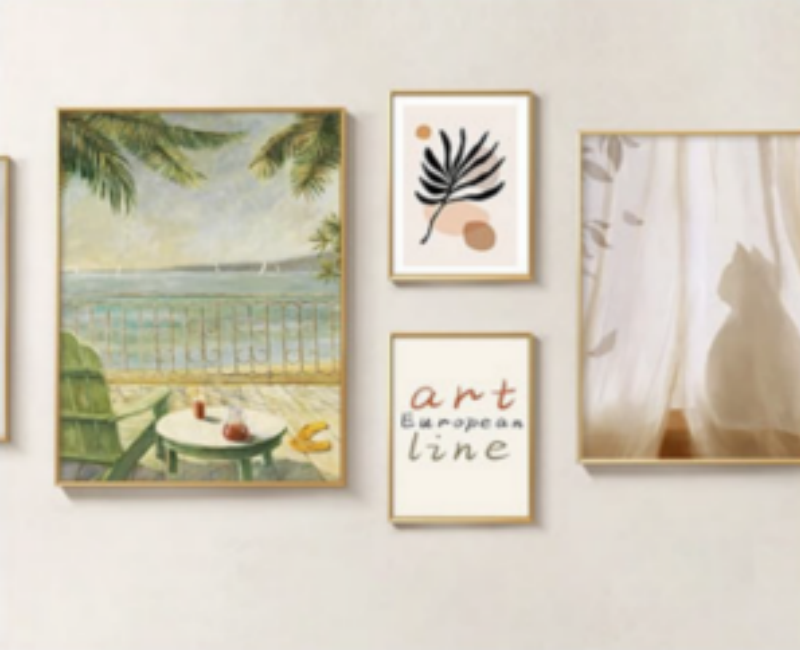
OIL PAINTING
Service and Support
• Pre-sales sample printing on your own artwork and substrate before you commit.
• Remote installation, setup and operator training by video call, in English, with a written manual for your digital UV flatbed printing machine.
• Spare parts — printheads, dampers, cap station, UV lamp modules, belts, boards.
• Consumables — UV ink, cleaning fluid, wiper and capping supplies, ICC profile packs.
• Warranty and after-sales terms confirmed in the sales contract before payment.
About us
FAQ
1. What is a digital UV flatbed printing machine?
A: It is a flatbed inkjet printer that lays UV-curable ink directly onto a substrate and cures it instantly with a UV lamp. "Digital" means the image comes from a file with no screen, plate or pad; "flatbed" means the material sits on a table and the head passes over it, so thickness and shape are not a barrier. The XT-6090Ultra adds roll-to-roll and rotary feeds to the same platform.
2. How is it different from a screen printing press?
A: Screen printing wins on very long runs of one design because ink cost per piece is lower. A digital UV flatbed printing machine wins on everything before that break-even point: no screen, no setup, no minimum order, instant design change and native variable data. Most commercial shops keep both and route work by volume.
3. Do I need white ink?
A: If you print on anything other than white or light stock, yes. Without a white channel, colour on black acrylic, dark leather or clear glass turns muddy or disappears. White also lets you use transparency as a design element. It is the single option most worth having on this class of machine.
4. What does the varnish channel actually do?
A: Two things. As a finish, it creates spot gloss, matte or raised texture — the effect that makes packaging look premium. As protection, it adds a wear layer over high-touch areas. Both are produced in the same pass as the colour, with no offline lamination.
5. How thick an object can it print on?
A: The head height is adjustable and the platform is a vacuum table, so rigid items several centimetres thick can be printed directly. The exact maximum depends on the head configuration fitted — confirm the figure for your configuration before quoting work that depends on it.
6. What is the print area and can I print larger?
A: 600 x 900 mm on the table. Larger graphics are done by tiling with an overlap, or by using the roll-to-roll module for continuous flexible media. For rigid panels above 600 x 900 mm, tiling is standard practice in this format class.
7. Which materials can it print on?
A: Acrylic, PVC foam board, glass, ceramic, metal, wood and MDF, leather and PU, TPU and PC, PET and PVC film, canvas — plus garments through transfer film. The limiting factor is usually flatness, not material type: the vacuum table needs the substrate to sit flat.
8. Can it print cylindrical items like bottles and tubes?
A: Yes, with the rotary attachment fitted. Cylinders are driven past the head rather than printed on the flat table, so the artwork wraps around the circumference. Very tapered or heavily contoured shapes print less reliably than true cylinders.
9. Is UV ink durable outdoors?
A: UV-cured ink is hard, abrasion-resistant and water-resistant, and it performs well for indoor and short-to-medium outdoor exposure. For long-term exterior signage, add a varnish layer or laminate and confirm the expected service life for your specific ink and substrate with us — durability is a system property, not a printer property.
10. What is the running cost per piece?
A: It is driven by ink coverage, white and varnish layers, substrate price and yield per sheet. Ask for the ink consumption figure at your artwork coverage and calculate from your own material cost. Any single "cost per print" number quoted without stating coverage and substrate is not one you can build a price list on.
11. What software and file formats does it take?
A: A standard RIP workflow with TIFF, JPEG and PDF input, colour-managed with ICC profiles for each substrate. White and varnish are handled as separate channels in the RIP, so the file needs those layers defined before printing.
12. What maintenance does it need day to day?
A: A nozzle check before the first job, capping station and wiper inspection weekly, and a clean of the table and lamp housing as dust accumulates. UV ink does not dry in the head the way solvent ink does, but it does cure under stray UV and heat, so the capping routine matters more than most operators expect.
13. Can you print a sample with my artwork?
A: Yes. Send the file and tell us the substrate — we print it on the same digital UV flatbed printing machine configuration and send photos or the physical sample with a quote and the current datasheet for your printhead option.